My Location
My Location provides accurate coordinates, real-time location sharing, and a reliable map tool
Safe & Secure
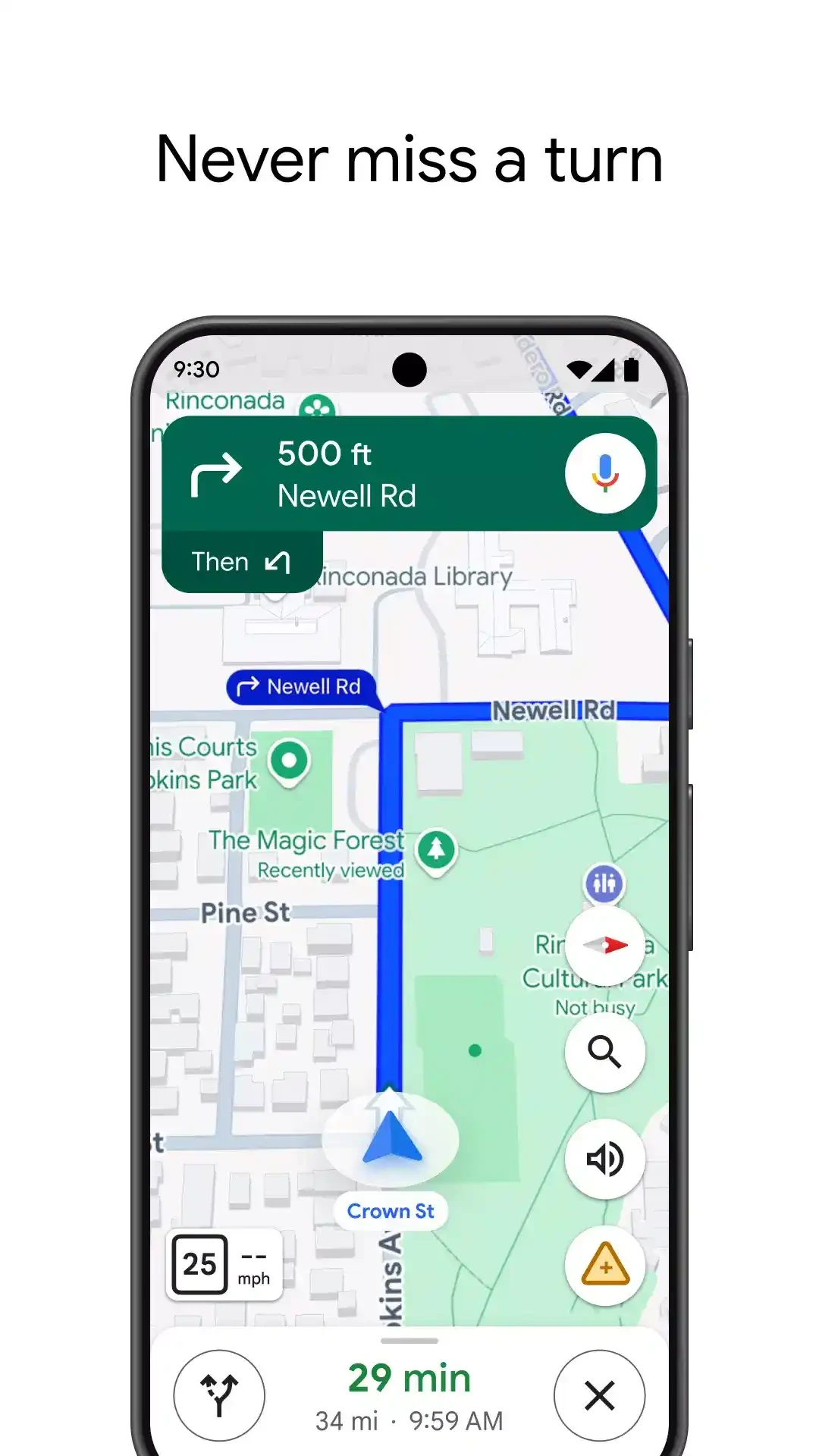
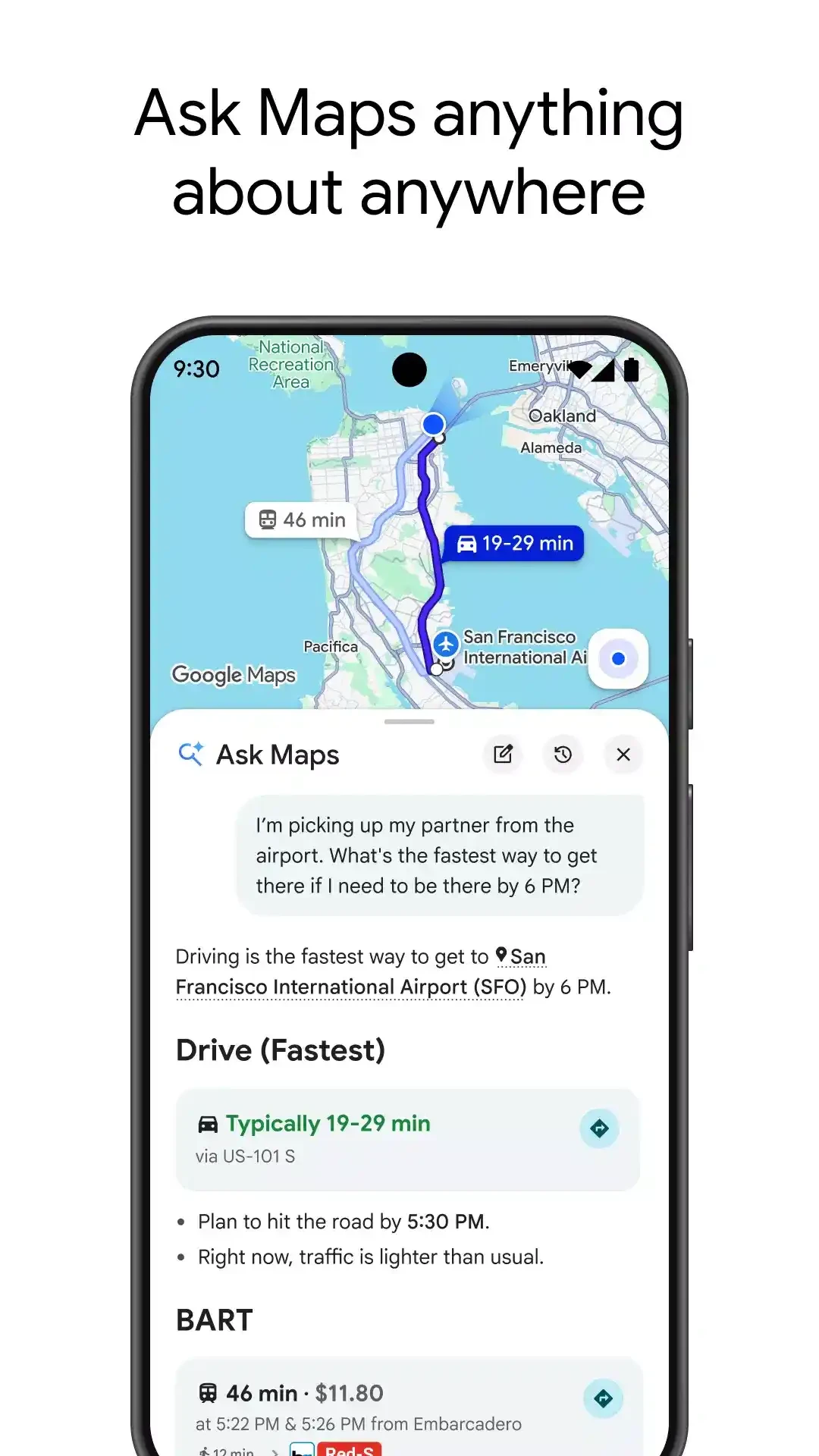
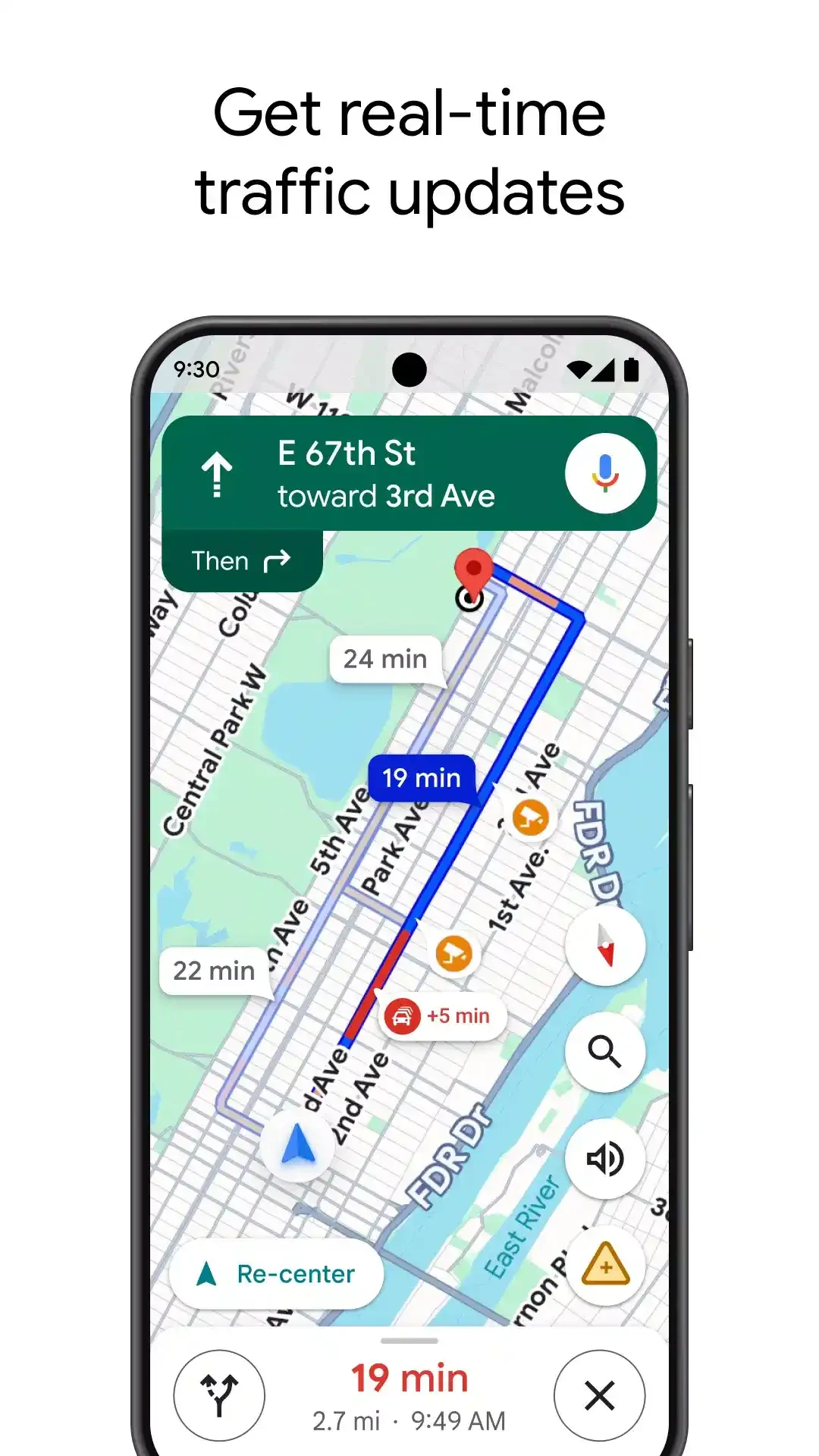
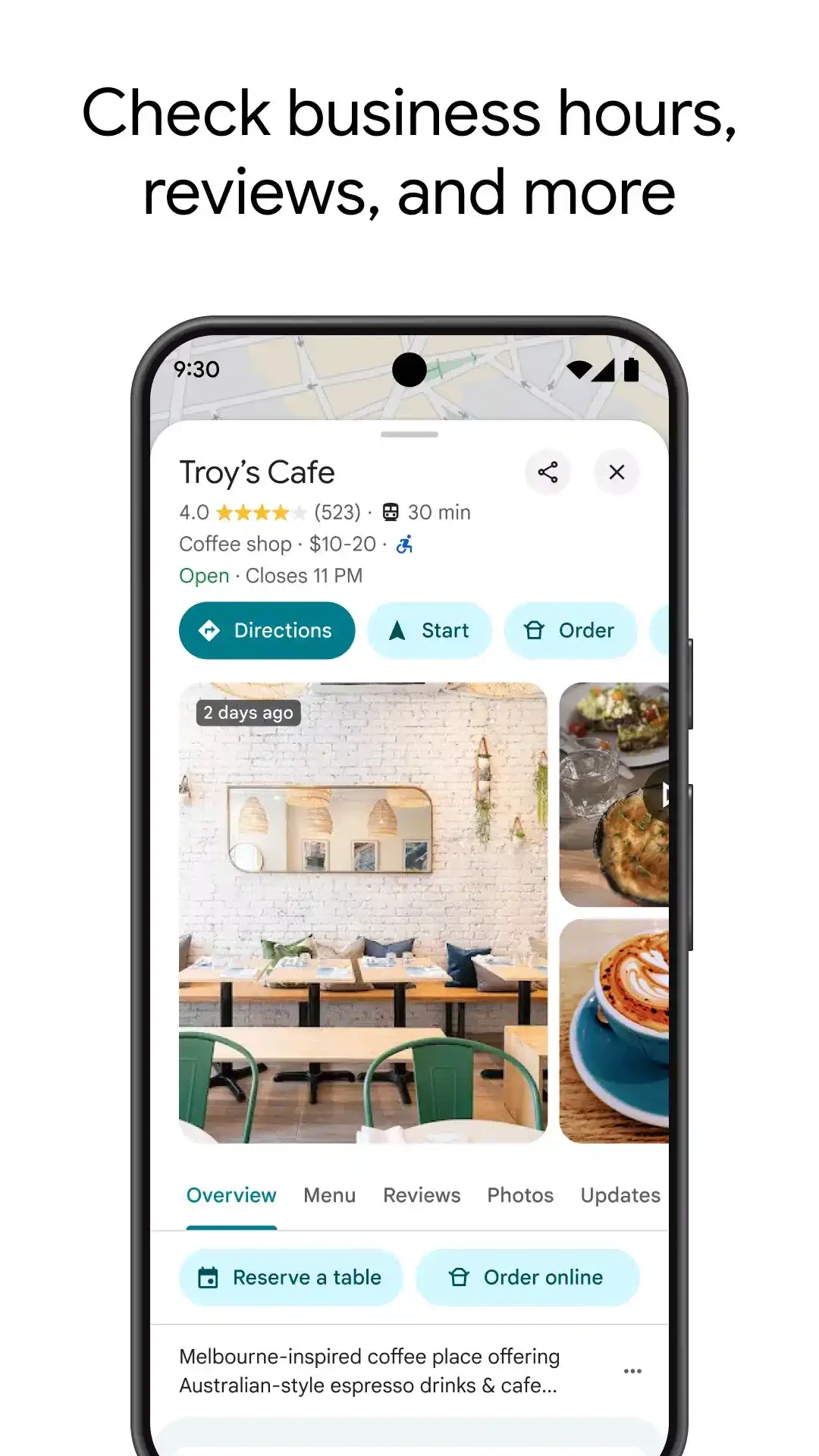
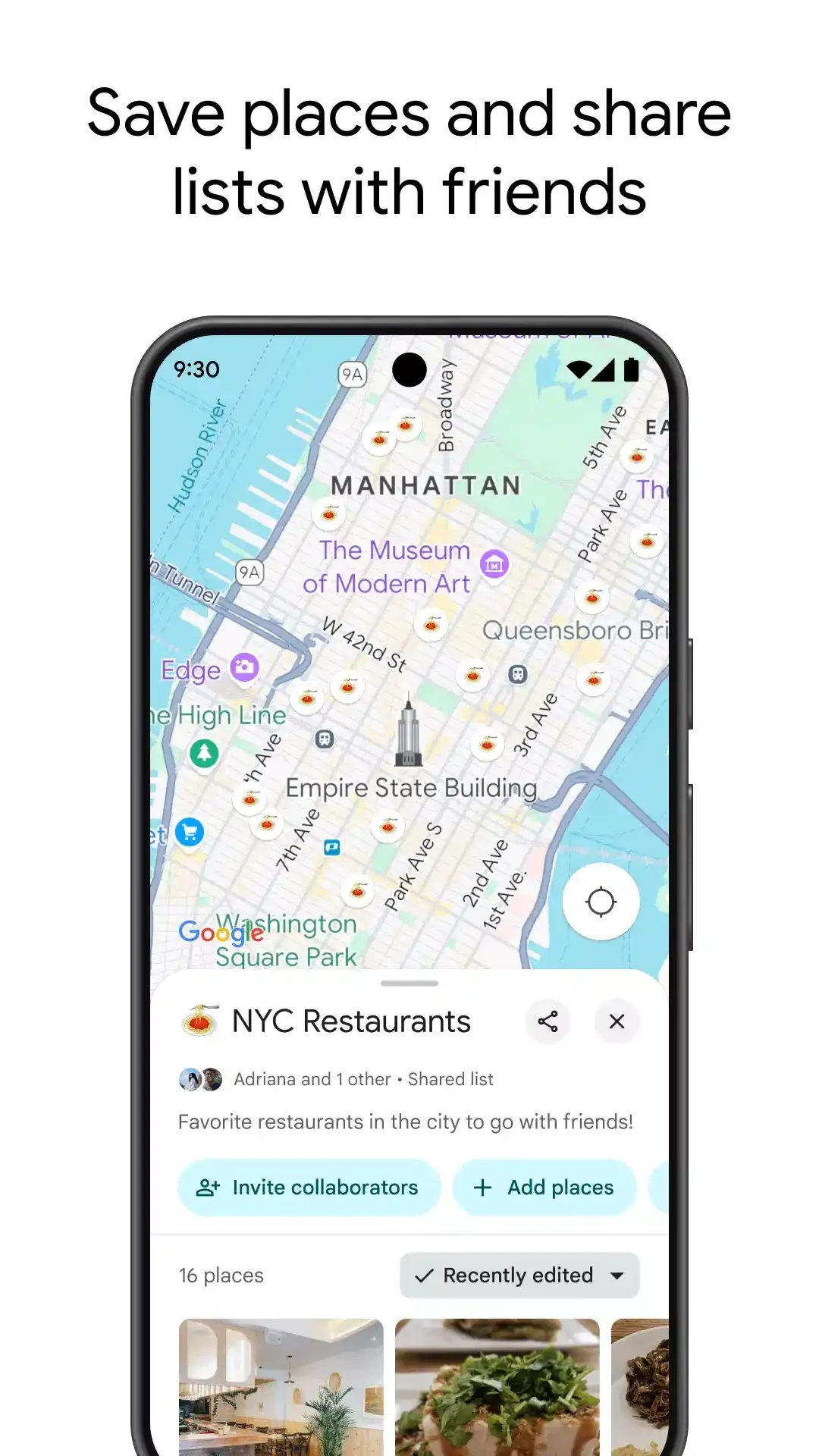
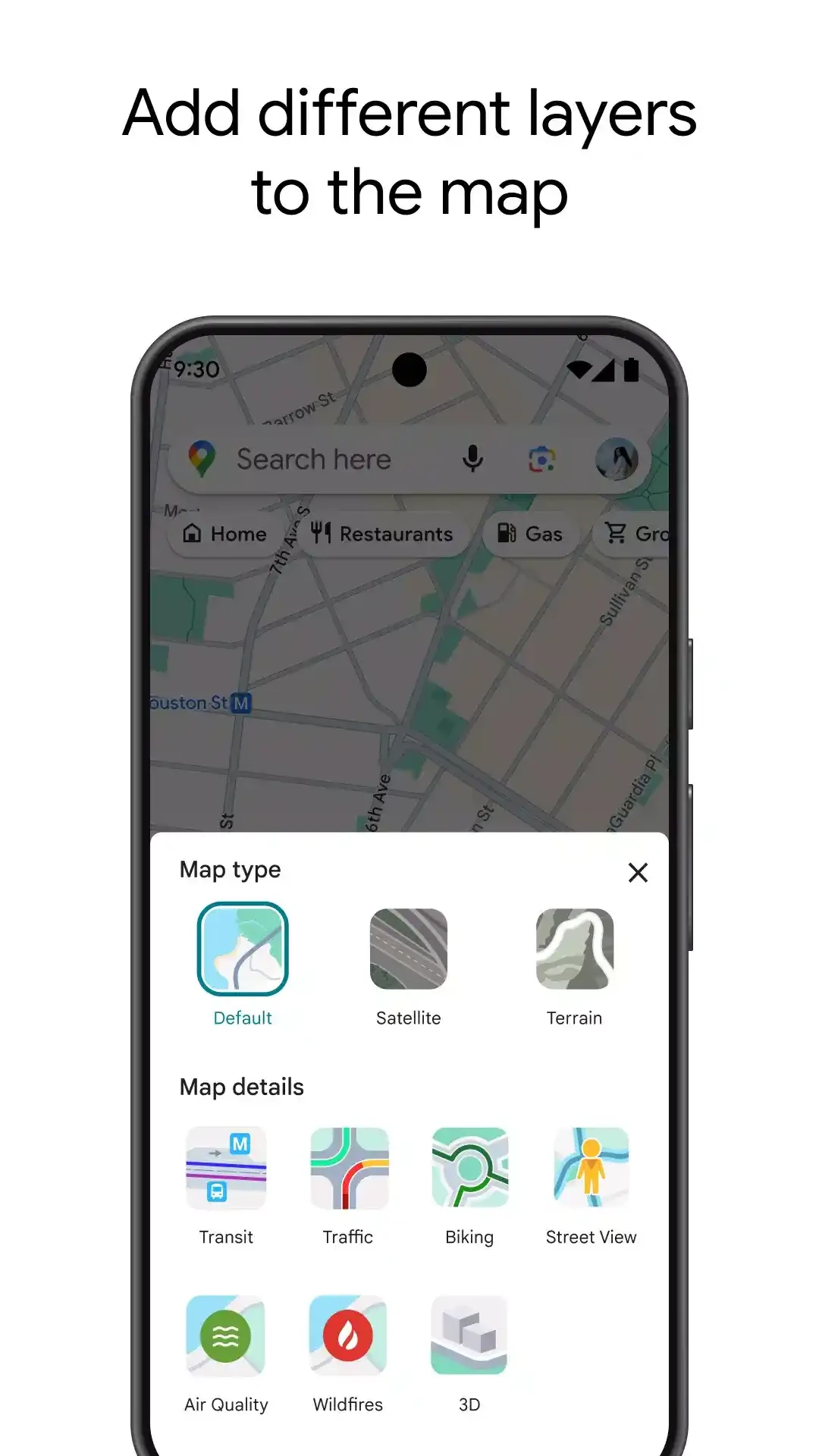
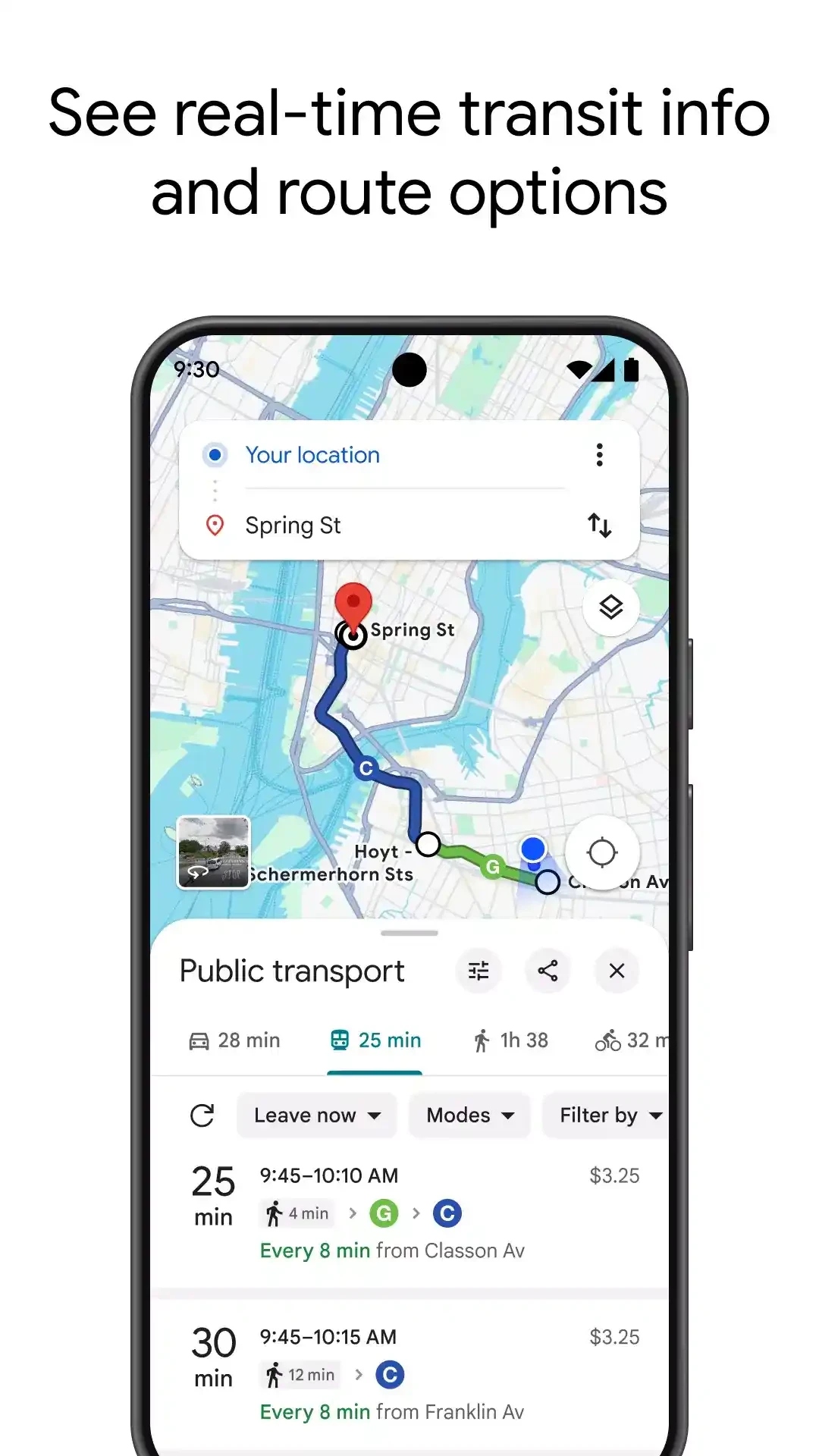
Google Maps for Android is a powerful app to make your navigation quick and accurate, offering accurate directions, real-time updates, and details of places and businesses across the world. It is free to use and comes pre-installed on most Android devices.
It is the best solution to figure out the location you want to visit, regardless of whether the location is inside the city or outside the city. You can easily get detailed geographical locations and other real-time navigation capabilities within the app. Exploring your surroundings, locating directions, and discovering local businesses and landmarks is reliably easy.
Google Maps is developed by the big tech giant Google Inc. It is the perfect solution to accurately explore the route, whether local or international. It makes our journeys faster and easier while giving detailed information about places.
It gives you the confidence to navigate to any unknown location with maps and place details, so you can reliably compare the ways to get to your destination quickly. It also offers multiple advanced features, including Satellite View, Street View, and other personalized suggestions for ease of use.
It is the best solution to locate a specific destination or a street, as it offers reliable guidance from search to arrival. You need to allow the app access to your location and enter your desired address while pointing on the app. View details and directions on the place card. You can get quick suggestions about routes and times by selecting travel mode, including driving, walking, cycling, and transit, and tapping the Start button to follow voice guidance and on-screen prompts. Use Lens to get AR directions based on your surroundings for walking, and in case of limited coverage, simply select your own map by going to Offline maps.
The support for real-time GPS makes your navigation quick and simple, offering turn-by-turn directions, whether you are walking, cycling, or driving. The functionality embedded with real-time traffic updates, and select the fastest routes while avoiding congestion, as it helps you to stay on home, offering auto-updating for routes, in case of conditions shifting. The live traffic data availability makes your travel times estimated, and helps you to arrive on your destinations on time.
Plan your door-to-door trip, quickly switching between travel modes, even on your Wear OS as well. The app offers quick coordination between users and ride-share pickups, and also highlights nearby bike or scooter rentals in the supported areas. You can also check routes for buses, trains, and other public transport, and plan your journeys while getting real-time updates about arrival times and service disruptions.
It is another key feature to enable the handicap people manage their travelling quite easy and reliably. So, users with wheelchairs are allowed to select wheelchair-accessible transit routes: type your desired destination into Google Maps, click on the “Directions” option to select the public transportation icon. Under the Routes section, click on “Options” to locate “Wheelchair Accessible”. After selecting the option, you will get a list of possible routes with wheelchair access.
You are also capable of exploring different landmarks according to your taste, including restaurants, shops, services, and so on. The added places also have photos and reviews when you visit them. It is also possible to create and save lists, and share spots with others. You can also avoid crowds using the “Popular Times” options before going outside, and also use the place page to reserve hotels, order delivery, and book reservations.
It is one of advanced features to offer panoramic street-level views of hundreds of thousands locations across the world, giving a sense as you were physically there. It is the best option to explore new areas, plan routes, and understand the surroundings in a better way before you visit them physically. In addition, “Your Match” is another innovative feature used for assigning a score to show how enjoyable a place can be according to your preferences.
The app not only offers services online, but is also available offline, as you only need to download offline areas for using maps, places, search, and driving directions. It makes your navigation easy and quick, even when your coverage is weak or unavailable. After reconnecting, all of your offline updates will be synced to stay current your offline areas. However, an internet connection is necessary for live traffic, transit updates, and ride-sharing links.
Pros
Cons
My Location provides accurate coordinates, real-time location sharing, and a reliable map tool

Careem book a ride, order food, and manage deliveries with a cashless payment method

Life360 to offer real-time notifications to learn about the arrivals and departures of your loved ones

TaxiF Driver, a budget-free utility to offer hassle-free GPS-integrated transportation

InDrive, book a ride while selecting the fare of your own choice

Where is my Train, integrated with Indian Railway to offer quick, real-time updates about trains within an offline facility